NHL IPTV in Canada: Watch Every Game Without Cable
NHL IPTV means watching hockey over your existing internet instead of through a Bell or Rogers cable box. You install an app on a device you already own, sign in, and the games load like any other channel. No dish, no installer, no two-year contract. A CAStreamTV plan runs month to month instead.
Last updated: August 23, 2026
Why one subscription never covers a full NHL season
Canadian hockey rights are split, and that split is the reason your bill has grown. National games sit with one broadcaster, regional games with another, and French-language coverage somewhere else again.
Here is where a season actually lives, and what an NHL IPTV subscription covers:
| Where the game lives | Who carries it | On CAStreamTV |
|---|---|---|
| National Saturday games | Sportsnet / CBC (Hockey Night) | ✓ Included |
| National Wednesday games | Sportsnet | ✓ Included |
| Regional Leafs / Sens / Habs | TSN regional feeds | ✓ Included |
| Regional Canucks / Flames / Oilers | Sportsnet regional | ✓ Included |
| French-language coverage | RDS | ✓ Included |
| Playoffs and Stanley Cup | Sportsnet / CBC | ✓ Included |
The practical effect is that a fan following one team through a full season needs several sources under the traditional model. That is the gap NHL IPTV closes.
What it costs against the alternatives
The comparison worth making is not channel count. It is what you are locked into and what you pay in year two.
| Cable + sports tier | Streaming pass | CAStreamTV | |
|---|---|---|---|
| Monthly cost | $100–$150 | $25–$40 | From $7 |
| Contract | 2 years typical | None | None |
| Regional blackouts | Yes | Yes | No |
| Equipment | Rented box per TV | Device you own | Device you own |
| Out-of-market games | Extra package | Extra package | Included |
| French feeds (RDS) | Add-on | Rarely | Included |
Cable pricing assumes you will not leave, which is why the rate climbs once the promotional window ends. A prepaid subscription has no such window, because you have already paid for the period you chose.
Blackouts, and why they matter more in hockey
Regional blackouts are the single most frustrating part of watching hockey in Canada, and they catch people out after they have already paid.
A blackout happens when a national broadcast conflicts with a regional rights holder in your market. It is a contractual restriction rather than a technical one, which is why paying more does not reliably fix it. Hockey is worse affected than most sports because regional rights are carved up by team territory.
Test your own team, in your own market, during a free trial rather than trusting any general claim, including this one.
Do you have the connection for it?
Every streaming route depends on your line holding up at the moment everyone else in the neighbourhood is watching too. Consistency matters more than the headline number.
| Quality | Speed per stream | Realistically |
|---|---|---|
| 4K UHD | ~25 Mbps sustained | Fine on fibre, tight at peak on older cable |
| 1080p HD | ~8 Mbps sustained | Comfortable on nearly any Canadian connection |
| 720p | ~4 Mbps sustained | Works on rural DSL or a hotspot |
Run your speed test at 8pm on a weeknight rather than at midday. Peak congestion is what breaks live hockey, and it does not show up when the street is at work. Two people watching different games at once means doubling the middle column.
Setting up before puck drop, not during it
Do this on a quiet evening. Nobody debugs a stream calmly in the first period.
1. Install and sign in early
Get the app onto your main television days before you need it, not an hour before a game.
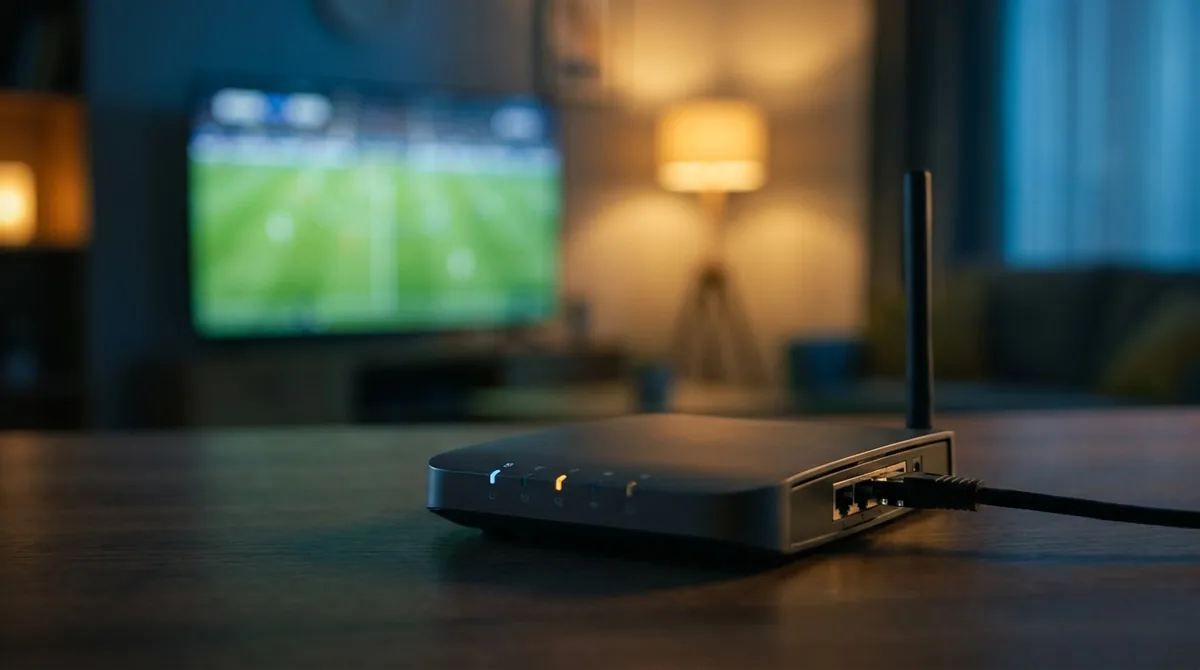
2. Run an ethernet cable
If the television sits anywhere near the router, connect it directly. This single change prevents most buffering complaints, and a cable costs about ten dollars.
3. Watch something live at peak time
A real game on a busy evening, on the television you will actually use. Not a test clip on a Tuesday afternoon.
4. Check your team's regional feed
Confirm the specific channel carrying your team is there and unblacked before cancelling anything else.
Watching in French
RDS coverage is often treated as an afterthought, which is a problem if French is the language you watch hockey in. RDS and RDS2 are included, alongside TVA Sports where available, so Quebec viewers get the same national and regional coverage rather than a reduced package.
This matters for households that switch between languages. There is no separate add-on and no second subscription to manage.
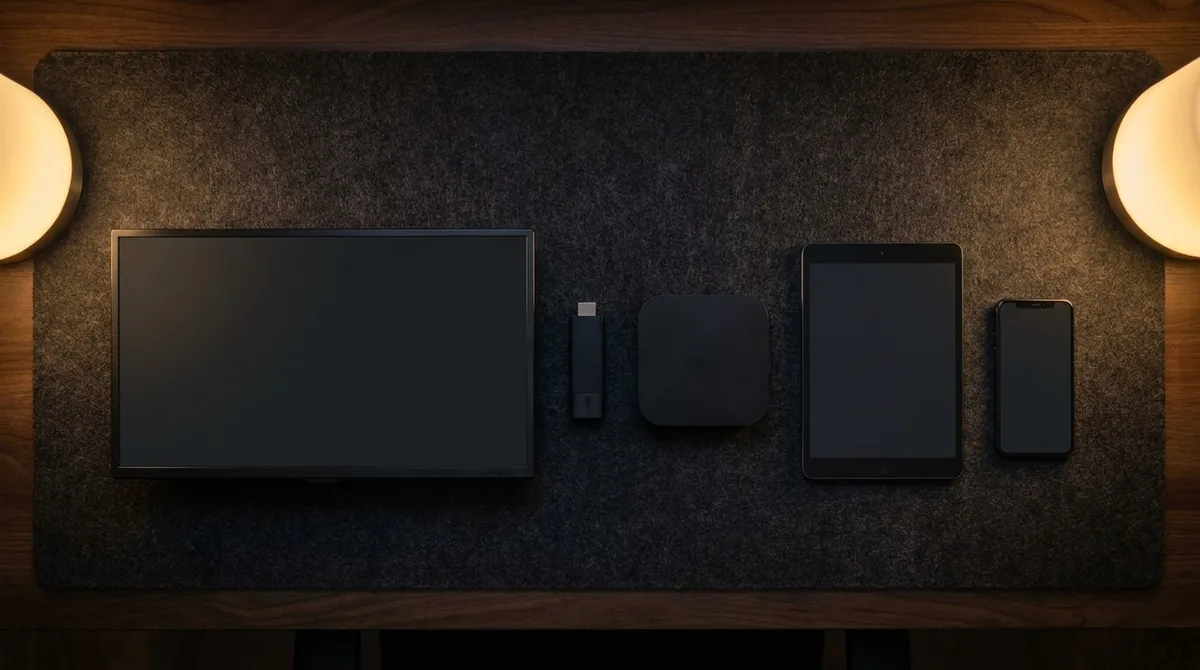
Which device should you actually use
The device matters more than people expect, and it is usually the thing quietly ruining the picture.
Streaming sticks
A current-generation stick is around forty dollars and will comfortably outperform the apps built into a television from 2017. Older first and second generation sticks struggle with modern codecs no matter how good your connection is. The tell is that the menus feel sluggish before you have even pressed play.
Smart TVs
Anything from roughly 2018 onward handles NHL IPTV without complaint. Older sets often can, but the built-in processor becomes the bottleneck during fast-moving play, which is exactly when hockey looks worst.
Phones, tablets and laptops
All work, and all are useful for catching a period away from home. Mobile data burns through an allowance quickly at high quality, so dropping to 720p on a phone is sensible. Nobody can see the difference on a six-inch screen during a hockey game anyway.
Fixing a stream that stutters during a game
If the picture breaks up mid-period, work through this before blaming the service.
Run a cable if you possibly can, because Wi-Fi causes the large majority of these complaints. Move to the 5 GHz band if a cable is genuinely impossible. Restart the router properly, meaning unplug it for two full minutes rather than a quick power cycle. Clear the app cache, which fills up fast on a stick with little storage. And pause anything else downloading, because a console pulling a 90 GB update will flatten the line without telling you.
If it fails at exactly the same point every single week while everything else on your network is fine, that is a capacity problem at the provider's end and worth raising with them directly.
What about the other Canadian sports
Hockey is rarely the only thing a household watches. CFL coverage runs through TSN, the Raptors sit with Sportsnet, and both come through the same subscription rather than as separate tiers.
If TSN specifically is what your current bill is really paying for, there is a direct breakdown on the TSN alternative page. If you are weighing up leaving your provider entirely, the cancel Bell and cancel Rogers guides cover the exit fees and equipment returns that catch people out.
Work out your cost per game
This is the calculation nobody does, and it settles the question faster than any comparison table.
Take what you pay annually for hockey, then divide by the number of games you genuinely sit and watch. Not games on in the background while you do something else. Games you actually watch.
A fan watching two or three games a week through a full season lands around two dollars a game on an annual plan, against roughly fifteen on a cable sports tier. Someone catching the occasional Saturday night game should probably not be paying for anything annual at all. The number tells you which one you are.
What NHL IPTV costs
An IPTV Canada subscription is $15 for one month, $55 for six months, or $80 for a full year, which works out at $7 a month on the annual plan. That covers roughly 200,000 channels including the full NHL package, in 4K where the source is 4K.
Against $100 to $150 a month for cable with a sports tier, the annual difference runs past a thousand dollars. Whether that is worth changing anything over depends on how much hockey you actually watch, which is worth being honest with yourself about first.
Frequently asked questions
These come up constantly whenever anyone starts looking at NHL IPTV seriously, and a few have answers the marketing tends to skip over.
Can I watch every NHL game?
National, regional and playoff coverage are all included, including out-of-market games that normally sit behind a separate package. Check your own team during a trial to be certain.
Will I get regional blackouts?
Blackouts follow the rights contract for your market. Test your team in your market before committing rather than relying on a general claim.
Does it work during the playoffs and Stanley Cup?
Yes. Playoff and final coverage runs through the same channels as the regular season.
What internet speed do I need?
About 25 Mbps sustained for 4K and around 8 for 1080p. Test at 8pm, not midday.
Can two people watch different games at once?
One connection carries one stream. Two simultaneous games needs a plan with additional connections.
Is there a free trial?
Yes, 24 hours with no credit card. Use it during a live game at peak time, which is the only test that tells you anything useful.
Test it during a live game
Watch a real NHL game at peak time on your own television, with no card required, before you change anything about your current setup.
See Plans & Pricing Free 24H Trial