Free IPTV Test in Canada: How to Try Before You Pay
A free IPTV test gives you 24 hours of full access with no credit card, so you can watch real channels on your own television before spending anything. Message us on WhatsApp and it activates within minutes. The trial carries the same feed as a paid CAStreamTV plan, with nothing held back.
Last updated: August 23, 2026
Why a trial is the only test that means anything
Reviews tell you how a service behaved on somebody else's connection, in somebody else's city, on somebody else's television. None of those are yours. What matters is how CAStreamTV performs on your line, tonight.
Streaming quality depends on your broadband, your router, your device and how busy your neighbourhood is at the moment you press play. A free IPTV test is the only way to see how all four behave together.
How to get the trial started
There is no form and no card. The whole thing takes a couple of minutes.
1. Message on WhatsApp
Send a message saying you want the free trial and which device you plan to watch on. That last detail matters, because setup differs between a Firestick, a Smart TV and an Apple TV.
2. Get your login
Credentials come back by message, usually within a few minutes. Nothing is charged and no card details are collected at any point.
3. Install the app
Install on the television you actually watch on, not a laptop. Setup runs about ten minutes on a streaming stick.
4. Test it properly
This is the part people rush, and it is the part that matters.
What to actually check during the 24 hours
Most people load one channel, see it works, and stop. That tells you very little. Work through this list instead.
| What to check | Why it matters | When to test it |
|---|---|---|
| A live sports channel | Live is far harder than on-demand | During an actual game |
| Your team’s regional feed | Regional rights vary by market | Before you cancel anything |
| Picture at 4K | Confirms your line holds the bitrate | 8pm on a weeknight |
| A second device | Shows whether one connection is enough | Same evening, both running |
| French channels (RDS) | Often an afterthought elsewhere | Any time |
| Channel changing speed | Slow zapping is a daily annoyance | Any time |
The single most important line is the first one. Live sport is the hardest thing any streaming setup does, because everyone wants the same feed in the same second. If it holds during a game at peak time, it will hold for everything else.
Test at the worst possible moment, on purpose
Testing at eleven on a Tuesday morning proves nothing. Canadian broadband is contended, meaning you share capacity with your neighbours, so a line that tests at 200 Mbps mid-morning can hand you a fraction of that at eight in the evening.
Run your free IPTV test on a Saturday afternoon during hockey, or on a weeknight after dinner. If it holds then, it holds.
Check your line first
Worth knowing what you are asking your connection to do before you blame anything for the result.
| Quality | Speed per stream | Realistically in Canada |
|---|---|---|
| 4K UHD | ~25 Mbps sustained | Fine on fibre, tight at peak on older cable |
| 1080p HD | ~8 Mbps sustained | Comfortable on nearly any connection |
| 720p | ~4 Mbps sustained | Works on rural DSL or a hotspot |
These are sustained rates per stream, not the burst number a speed test shows you. If two people watch different things at once, double the middle column.
If something goes wrong during the test
A problem during the trial is useful information rather than a reason to walk away, provided you work out which layer it sits in.
| Problem during the test | Most likely cause | Fix |
|---|---|---|
| Stutters on Wi-Fi, fine on cable | Wi-Fi congestion | Run an ethernet cable |
| Fine at noon, breaks at 8pm | Peak-hour contention | Drop to 1080p |
| Menus sluggish before playback | Old device | Current-generation stick |
| One channel bad, rest fine | Single source issue | Report it — they can move you |
| Everything buffers on every device | Your connection | Speed test at 8pm |
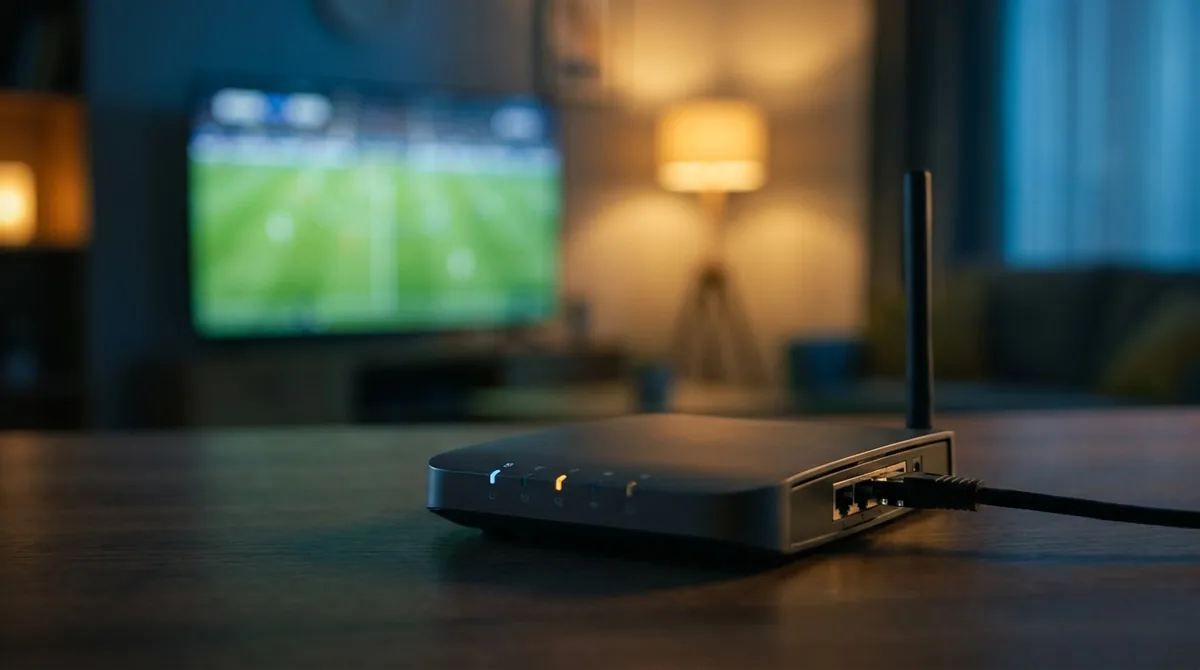
Most complaints about streaming quality turn out to be Wi-Fi complaints. A ten-dollar ethernet cable between the router and the main television resolves the overwhelming majority of them, which is worth trying before you conclude anything about the service.
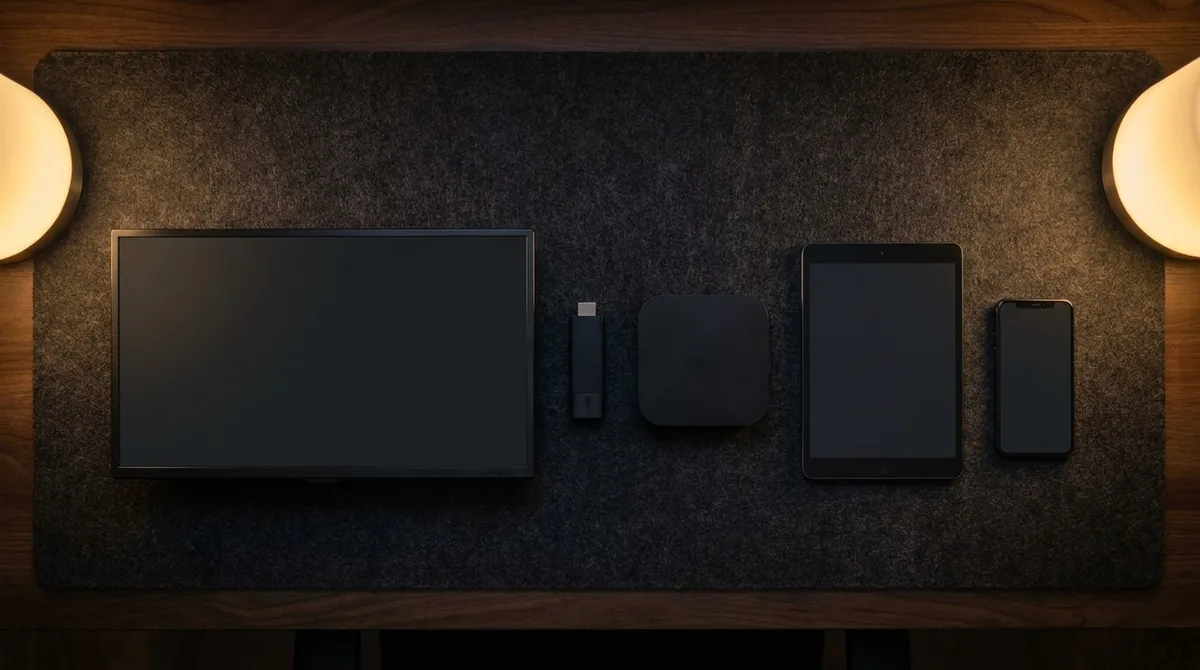
Which device to run the test on
The device is usually the quiet culprit when a trial goes badly, and it is worth choosing deliberately.
Streaming sticks
A current-generation stick costs around forty dollars and outperforms the apps built into most televisions from 2017. First and second generation sticks struggle with modern codecs regardless of your connection. The giveaway is menus that feel sluggish before you have pressed play at all.
Smart TVs
Anything from roughly 2018 onward handles this without complaint. Older sets often work, but the built-in processor becomes the bottleneck during fast-moving content, which is exactly when sport looks worst.
Phones and tablets
Both work and both are useful for testing away from your home network, which is a good way to separate a service problem from a broadband problem. If your phone streams it perfectly on mobile data while your television stutters on Wi-Fi, you have your answer.
Separating a service problem from your own network
This is the single most useful diagnostic during a trial, and it takes about a minute.
When something stutters, open a different streaming service on the same device at the same moment. If that stutters too, the problem is your connection or your device rather than the IPTV test itself. If it plays perfectly, the problem is upstream.
Then try the same channel on your phone over mobile data with Wi-Fi switched off. Flawless there means your home network is the culprit, and an ethernet cable will almost certainly fix it.
Doing both before contacting anyone turns a vague complaint into something that can actually be acted on, and it usually gets you a real answer rather than being told to restart your router.
What happens after the 24 hours
Nothing automatic. There is no card on file, so nothing renews and nothing charges. The trial simply stops working.
If you want to continue, plans are $15 for one month, $55 for six months, or $80 for a year, which works out at $7 a month on the annual plan. You buy a block of time up front rather than entering a contract, so there is no minimum term and nothing to cancel later.
Against a Bell or Rogers bill in the $100 to $150 range, the annual difference runs well past a thousand dollars, which is the whole reason people go looking in the first place.
Common mistakes people make during a trial
Four things go wrong often enough to be worth naming in advance.
Testing at the quietest time of day
A trial run at eleven on a Tuesday morning proves the service works when nobody else is using the internet. That is not the situation you care about. Test when the street is home.
Testing on the wrong device
Loading it on a laptop, deciding it looks fine, then discovering the living room television cannot cope. Test where you will watch.
Only checking one channel
One channel working tells you almost nothing. Check a live sports feed, a regional channel and an on-demand title, because they behave differently.
Cancelling the old service first
The most expensive mistake on the list. Keep your current provider running through the trial. If you change your mind, you have lost nothing and avoided a reconnection fee.
Do not cancel anything yet
Run the free IPTV test while your current service is still active. That way you are never without television, and you avoid the reconnection fee if you decide against switching.
When you are ready to leave, the cancel Bell and cancel Rogers guides cover the exit fees and equipment returns that catch people out. If sports is the reason you are paying what you are paying, the NHL coverage and TSN alternative pages go through it channel by channel.
Frequently asked questions
These come up most often before someone starts a trial, and a few of them are the reason people hesitate unnecessarily.
Is the trial really free?
Yes. No card details are collected and nothing is charged. It runs 24 hours and then stops.
How long does activation take?
Usually a few minutes after messaging on WhatsApp, though it depends on the time of day.
Do I get full access during the trial?
Yes, the full channel list rather than a reduced sample, which is the point.
Which device should I test on?
The one you will genuinely watch on. Testing on a laptop and then watching on an eight-year-old television tells you nothing useful.
Can I test on two devices at once?
One connection carries one stream. If your household needs two simultaneous streams, say so and test that specifically.
What if it does not work well?
Tell us what happened and on which device. Most problems are Wi-Fi or an ageing streaming stick, both of which are cheap to fix. If it is a server-side issue, that can be moved.
Start your free 24-hour test
Full access, no credit card, activated within minutes. Run it during a live game at peak time and see how it holds up on your own television.
See Plans & Pricing Free 24H Trial